
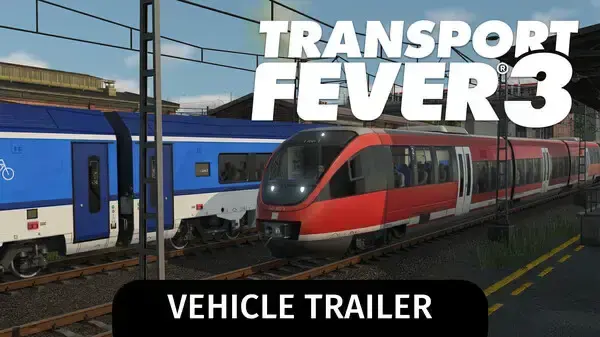
How large is the Transport Fever 3 vehicle roster?
Urban Games’ current support FAQ describes more than 300 vehicles spanning over 120 years of transport history. The Steam feature overview still advertises 275+, so official pages currently use different headline counts. Treat both as broad roster claims—not an itemized database or a promise that every vehicle is available in every mode, era, map, or edition—and use the in-game list for current individual availability.
The roster serves different network jobs. A vehicle is not simply a collectible entry: it has to fit the route, its infrastructure, the cargo or passengers, and the era you are playing. The game’s Tycoon loop also makes fleet operation part of the budget, so unlocking or owning a vehicle does not automatically make it a good purchase for a particular line.
Confirmed vehicle types
The official vehicle announcement names buses, trucks, trains, aircraft, ships, and passenger trams, and it calls out helicopters and cargo trams as new additions. Steam’s feature list also references rail, road, water, and air transport, plus light-rail systems. Together, these descriptions show that the roster covers both passenger services and freight logistics across multiple modes.
Rail vehicles
Trains range from historic steam power to modern high-speed services. The official announcement describes modular infrastructure across eras, including traditional rail stations and modern airports as part of the broader transport toolkit. When choosing a train, consider the route it must serve and whether the supporting track and stations fit that service; the official materials do not publish a universal best train.
Road vehicles and trams
Buses and trucks cover flexible road services, while passenger and cargo trams add urban transport options. Road-based vehicles can connect local stops and freight handoffs, but the town’s road network and traffic conditions affect how useful a route becomes. The vehicle announcement specifically highlights cargo trams as a new way to handle urban freight.
Ships and aircraft
Ships and aircraft extend networks across water and air routes. Aircraft include helicopters as well as passenger planes; the official announcement says helicopters can be used for passenger and freight services. These modes offer additional connection possibilities, but their value still depends on the destinations and demand shown in the current game.
New and notable additions
Helicopters and cargo trams are the clearest named vehicle additions highlighted by Urban Games. The announcement describes helicopters serving both people and freight, which can create new options when combined with industry booster mechanics. Cargo trams broaden urban freight delivery. These statements confirm the feature categories, but not exact capacity, operating cost, availability dates, or the best situation for each vehicle.
The official materials also say citizens’ cars have been redesigned. Those vehicles contribute to the visual and traffic simulation, but they are not part of the player-operated transport fleet in the same way as buses or trucks. Keeping that distinction clear helps when reading promotional images or vehicle lists.
Vehicles across historical eras
Transport Fever 3 covers more than 125 years of transport evolution, with descriptions ranging from horse-drawn wagons and early steam trains to high-speed rail and modern aircraft. The game’s broader world changes over time too: official descriptions say buildings, people, and cars follow historical designs and trends. That supports a progression-focused experience in which a network can develop as transport technology changes.
Do not infer exact unlock years or availability from an image alone. If you need a specific vehicle’s introduction date, purchase cost, capacity, speed, or cargo compatibility, check its in-game entry or a current official source. Promotional announcements often name selected examples rather than publishing the full data set.
How to choose a vehicle for a route
Start with the service, not the vehicle name. First identify the passengers or goods and the path they need to travel. Then check whether the route has suitable stops, loading facilities, and infrastructure, and whether the selected vehicle supports the job. Finally, compare service capacity with the demand displayed in your save and consider purchase, maintenance, and operating costs.
If the route is underperforming, the vehicle may not be the cause. A missing connection, transfer, loading queue, traffic problem, or mismatch between service and demand can produce similar symptoms. Inspect the full route and information overlays before replacing a fleet. The gameplay guide explains this broader network loop; the Tycoon guide focuses on the cost and demand decisions.
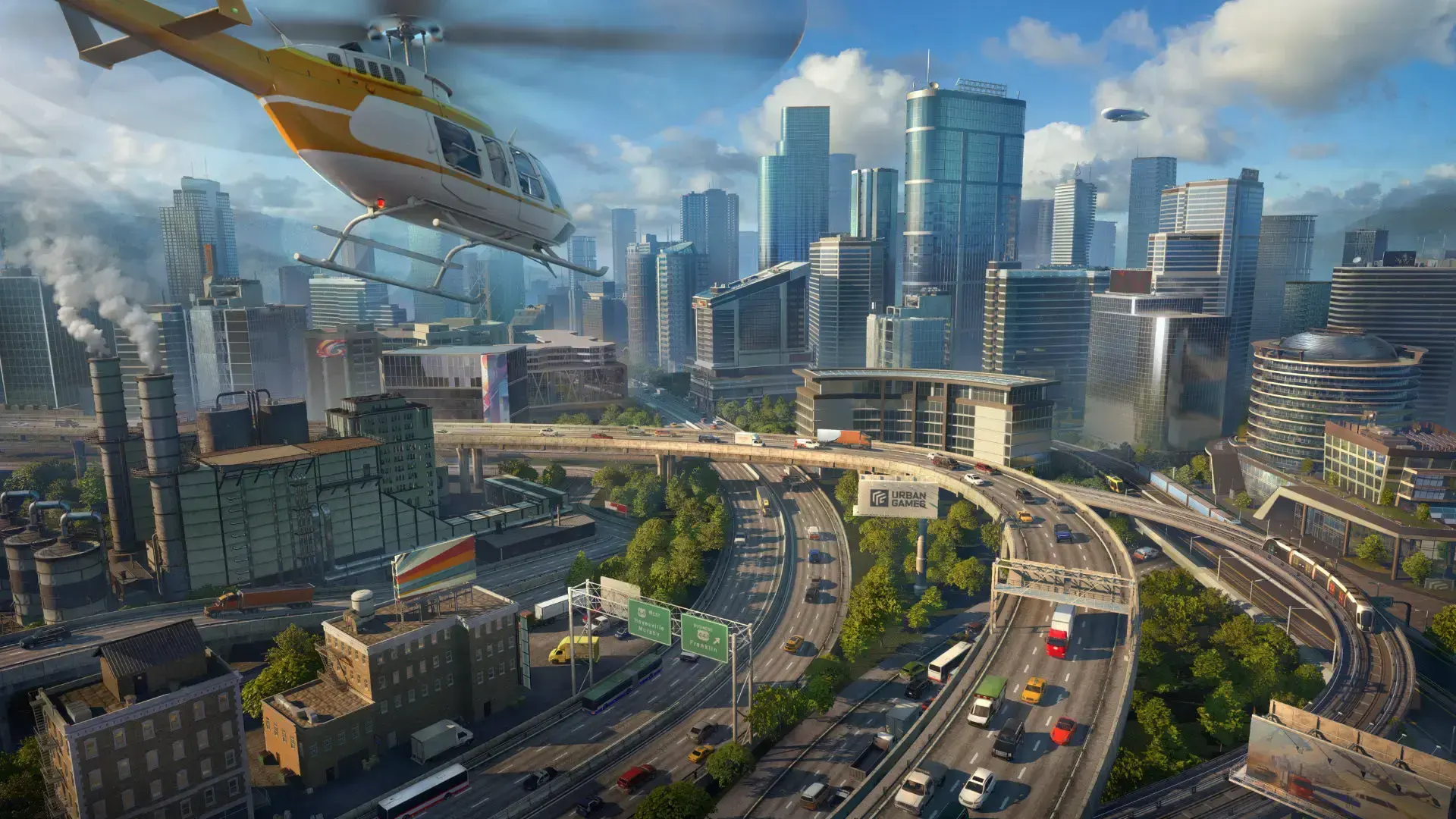
Build the route before choosing the fleet
Learn how to trace passenger and freight connections, inspect demand, and expand one testable service at a time.
Read guide →Roster and edition availability
The base-game roster and edition-specific bonus content are different questions. For example, the Deluxe Edition guide lists its six named additional vehicles and other extras. That list should not be mistaken for the complete Transport Fever 3 roster. Edition contents and platform listings can change; check the official store entry for the platform and region where you plan to buy.
The current official vehicle announcement and Steam feature overview are the primary sources for the roster headline and confirmed categories. This page avoids inventing an exhaustive vehicle database where the official materials do not provide one.